Watching your cameras from anywhere is one of the best features of modern CCTV, and one of the biggest security risks if it is set up badly. Here are the methods, from safest to riskiest.
Method 1: manufacturer app with cloud connection (recommended)
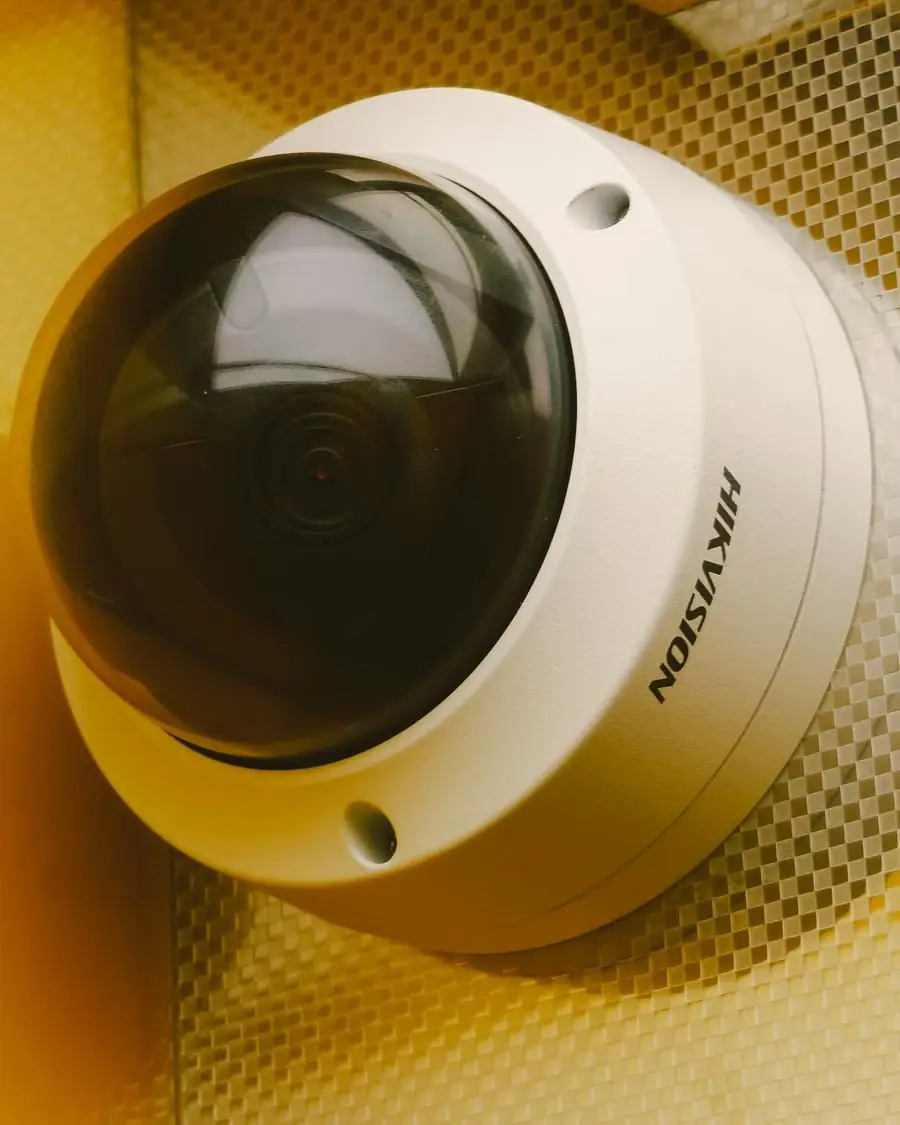
Brands like Hikvision (Hik-Connect) and Dahua (DMSS/Gdmss) provide an app. The recorder connects outward to the manufacturer's service, and your phone connects through it. You scan a QR code on the recorder to add it.
Pros: no router changes, works behind most networks, easy. Cons: relies on the manufacturer's service; video quality depends on your upload speed.
Step by step for Hikvision: Hik-Connect setup.
Method 2: local network only
Using the app or the recorder's IP address while on the same Wi-Fi. Safest, but it only works at home or in the office.
Method 3: port forwarding or DDNS (not recommended)
This exposes the recorder to the internet directly. Attackers scan for these. Avoid it unless an IT professional configures it with a VPN. Read how to secure CCTV against hackers.
Set-up checklist
- Connect the recorder to the router and confirm it has internet.
- Enable the cloud service (for example Hik-Connect) in the recorder's network settings.
- Set a strong verification code and password; do not use defaults.
- Install the app and add the device by QR code.
- Test over mobile data, not just Wi-Fi.
- Share access with family through the app's sharing feature rather than your password.
Make viewing smooth
- Use the sub-stream (lower resolution) for live view on mobile.
- Cameras at 4K do not slow your phone if the sub-stream is set.
- A wired recorder connection beats Wi-Fi.
- Check your internet upload speed; several cameras need several Mbps.
Common problems
| Problem | Likely fix |
|---|---|
| Device offline | Check router, cable and cloud setting |
| Wrong password | Reset, see password reset |
| Slow or choppy | Lower sub-stream bitrate, improve upload speed |
| No alerts | Enable notifications in phone and app; see motion alerts |
Privacy
Anyone you give access to can see your cameras. Remove people who no longer need it, and never share footage publicly. See CCTV privacy rules in the UAE.
We can set it up
Our installations include phone setup and a walkthrough. If you have an older system that was never connected, contact us and we will configure it safely.
Conclusion
Use the manufacturer app with a strong password and test on mobile data. Avoid opening ports on your router.
Frequently asked questions
Do I need a static IP to view CCTV on my phone?
No. Manufacturer cloud (P2P) apps work with normal home or office internet without a static IP.
Why does the app say offline?
The recorder lost internet, its network settings changed or the cloud service is not enabled. Check the cable, router and the recorder's network status.