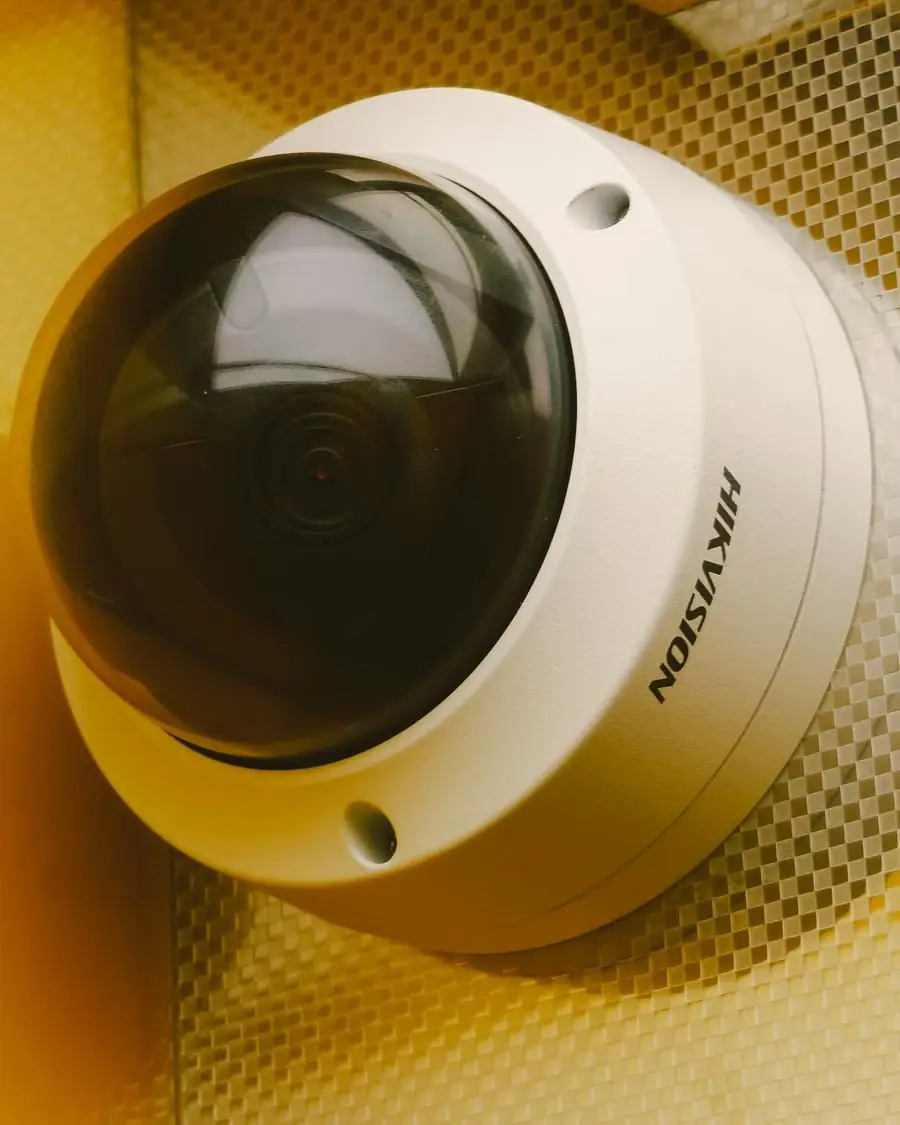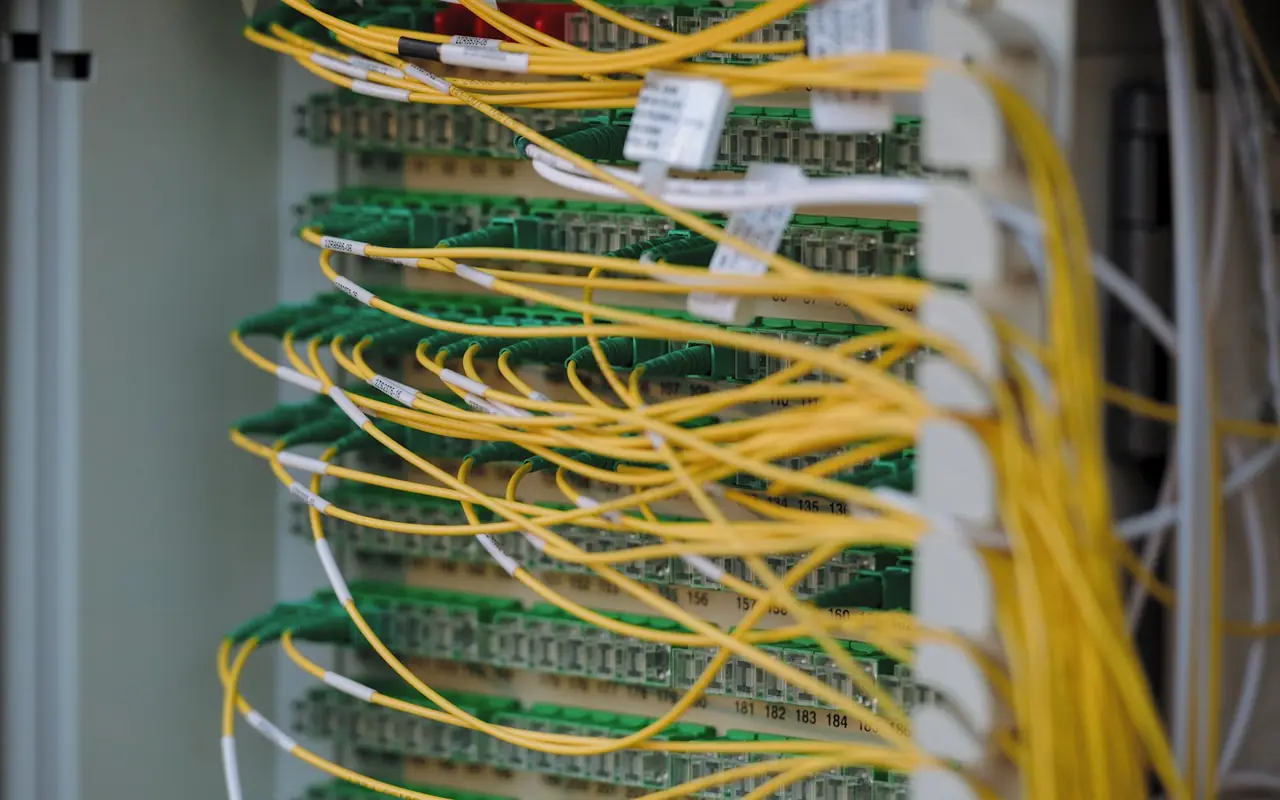
An IP camera is a small computer on your network. If it is badly configured, it can leak your video or become a way into the rest of your network. Fortunately, most attacks use the same few weaknesses.
1. Change every default password
Default or weak passwords are the number one cause. Use a long, unique password for the recorder and each camera. If you have lost the password, follow Hikvision password reset rather than leaving it blank.
2. Create separate user accounts
Give family or staff a view-only account rather than the admin login. Remove accounts when people leave.
3. Update the firmware
Manufacturers fix security flaws in firmware. Check for updates when the system is installed and yearly after, using the manufacturer's official files only.
4. Do not open ports to the internet
Port forwarding makes the recorder visible to scanners. Use the manufacturer's cloud app or a VPN instead. See viewing CCTV on your phone.
5. Put cameras on their own network
A separate VLAN or a dedicated switch keeps cameras away from laptops and phones. If one is compromised, the rest is not.
6. Turn off services you do not use
Disable UPnP, unused remote protocols and anonymous access. Keep only what you need.
7. Secure the physical recorder
Someone who can reach the recorder can plug in a keyboard. Keep it in a locked cabinet, and turn off unused ports where possible.
8. Use secure Wi-Fi, or avoid it
If you use Wi-Fi cameras, use WPA2/WPA3 with a strong passphrase. Wired PoE cameras remove this risk.
9. Protect your phone and app account
Use a strong password and two-factor authentication where the app offers it. Review who has shared access.
10. Buy supportable equipment
Avoid unbranded cameras with no firmware updates. Ask your installer how long the product receives updates.
A quick audit table
| Check | Good |
|---|---|
| Passwords | Unique, 12+ characters |
| Firmware | Updated this year |
| Open ports | None |
| Accounts | Named, minimal |
| Network | Separate from main devices |
| Recorder | Locked away |
Why it matters under UAE rules
Security of footage is part of good practice, and the police advise protecting passwords and not sharing footage. Leaked footage of people can also create legal exposure. See CCTV privacy rules in the UAE.
Need a security check?
We can audit your existing system, update firmware and tidy up accounts as part of CCTV maintenance. Contact us.
Conclusion
Strong unique passwords, updated firmware and no open ports stop the majority of real-world camera attacks.
Frequently asked questions
How do I know if my camera was hacked?
Warning signs include settings you did not change, unknown users, cameras moving by themselves, or unusual network traffic. Change passwords and update firmware immediately.
Are Chinese-brand cameras unsafe?
Any brand can be insecure if it keeps default passwords or old firmware. Keeping the system updated and off the open internet matters more than the badge.